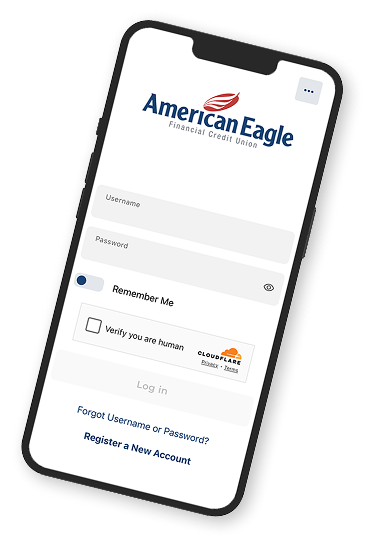
Life takes you all over. Online Banking keeps your accounts close at hand.
You're a busy person, so smart shortcuts are always welcome. Managing your money online, anytime is a good one, so enroll in Online Banking and do everything on your time.
Get account balances and transfer money
Overdraft coverage opt in ability
Access up to 5 years of eStatements and documents
Set up real-time alerts to manage your finances
Choose where, when, and how your Debit or Credit Card can be used.
Make one-time payments, future-dated payments, or set up recurring payments.
Pay friends and family, and even yourself.
or apply for a loan all in one place.
Personal Financial Management
In Online Banking you'll find trusted resources to continue learning and growing.
- Budgeting Tools
- Financial Wellness
- Credit Score Monitoring
24/7 Banking with Our Mobile App
With our secure digital banking, you can manage your money anytime, anywhere with no lines, no limits, just convenience that fits your schedule.
Pay Bills
Budgeting Tools
Deposit Checks
Open an Account
Why wait for payday?
With Early Direct Deposit, you can access your paycheck up to two days early. No need to enroll- just set up direct deposit
- Works for paychecks, pensions, Social Security, and tax refunds
- It's fast, secure, and totally free
- Click here to learn how to sign up for direct deposit
Sometimes you need to send and receive messages that require more privacy and security. Just click on the envelope icon located in the top right corner to see your messages or to send one. An American Eagle representative will respond to your request within 48 hours. An alert will show up once you have a new message.
Everything You Need, All in One Place
Fast, simple ways to pay your bills.
Apply online in minutes.
Frequently Asked Questions
Click on “Forgot Password” option where you log into Digital Banking. Follow the prompts. You will need to enter verification information.
Password Requirements:
- At least one lowercase letter
- At least one uppercase letter
- At least one number
- At least one special character
- At least 12 characters long
- Case sensitive
- Log into our App and click on Deposit Check.
- Choose Deposit Check
- Select Account
- Enter Deposit Amount
- Take check images
- Submit deposit
- Log into Online Banking or Mobile App
- Navigate to Resources
- Click on Check Services
- Click Order Checks
Click on “Forgot Password” option where you log into Digital Banking. Follow the prompts. You will need to enter verification information.
Password Requirements:
- At least one lowercase letter
- At least one uppercase letter
- At least one number
- At least one special character
- At least 12 characters long
- Case sensitive
- Log into our App and click on Deposit Check.
- Choose Deposit Check
- Select Account
- Enter Deposit Amount
- Take check images
- Submit deposit
- Log into Online Banking or Mobile App
- Navigate to Resources
- Click on Check Services
- Click Order Checks
- Home
- Digital Banking
- Online Banking