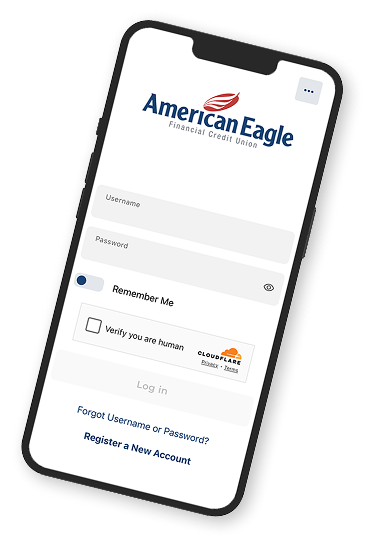
Manage your money from anywhere – all with the app.
Get the convenience of a credit union branch in the palm of your hand so you can take care of things anywhere you go.

You'll find a lot of friendly, efficient tellers anytime you visit an American Eagle branch. But when it's after hours or you're on the run, you can handle a lot of money matters yourself using our mobile app. Get updated balances, make loan payments, deposit checks, and a lot more. It's an invaluable tool for life in constant motion.
Choose where, when, and how your Debit or Credit Card can be used.
Make one-time payments, future-dated payments, or set up recurring payments.
Pay friends and family, and even yourself.
Opt in for money when you need it most.
or apply for a loan all in one place.
Convenient certificate maintenance is available.
Up to 5 years available right in the app.
Deposit checks to your accounts.
Personal Financial Management
In Online Banking you'll find trusted resources to continue learning and growing.
- Budgeting Tools
- Financial Wellness
- Credit Score Monitoring

Why wait for payday?
With Early Direct Deposit, you can access your paycheck up to two days early. No need to enroll- just set up direct deposit
- Works for paychecks, pensions, Social Security, and tax refunds
- It's fast, secure, and totally free
- Click here to learn how to sign up for direct deposit
Get the app that's all that
Everything You Need, All in One Place
Frequently Asked Questions
Click on “Forgot Password” option where you log into Digital Banking. Follow the prompts. You will need to enter verification information.
Password Requirements:
- At least one lowercase letter
- At least one uppercase letter
- At least one number
- At least one special character
- At least 12 characters long
- Case sensitive
- Log into our App and click on Deposit Check.
- Choose Deposit Check
- Select Account
- Enter Deposit Amount
- Take check images
- Submit deposit
- Log into Online Banking or Mobile App
- Navigate to Resources
- Click on Check Services
- Click Order Checks